Forgot Your Screen Time Passcode? Two Options
If you forgot your Screen Time passcode and linked an Apple Account for recovery, reset it in Settings without viewing the old code. If the reset fails, Apple says to verify that you are using the same recovery account and use its support suggestions. Apple provides no way to reveal the old code.
Last updated 2026-08-21
The App Store link is being confirmed. See how MoveFirst works below.
How do I recover the code with my Apple Account?
If your Apple Account was linked when the passcode was set, go to Settings, tap Screen Time, tap Change Screen Time Passcode, and tap it again. Sign in with the recovery account instead of entering the old code, then create and confirm a new four-digit passcode. Those are the steps Apple documents.
What if no Apple Account was attached?
Apple asks you to double-check that you are using the same Apple Account that was linked when the Screen Time passcode was created. If the reset is still rejected, its article offers Get Suggestions for the next support step rather than another documented self-service route.
Can an app or a service reveal the code?
Apple's instructions do not provide a way to reveal the existing code. Its current passcode guide says that without the Apple Account used for recovery, you cannot remove or reset the passcode and Apple cannot provide information about it. Treat any third-party claim to reveal it as unsupported by Apple's documented process.
What does Apple document for each situation?
| Situation | Documented next step | What Apple states |
|---|---|---|
| The linked recovery account works | Open Change Screen Time Passcode, authenticate with that account, then enter a new four-digit code | The old code is reset; it is not displayed |
| The reset rejects the account | Verify that it is the same Apple Account used when the passcode was set, then use Get Suggestions | Without that recovery account, Apple says you cannot remove or reset the code |
| The device is supervised or managed | Check the organization shown in Settings and ask its administrator before changing Screen Time | Apple says supervised-device management can prevent users changing their own Screen Time settings |
Why use a route that does not add another code?
A Screen Time passcode protects settings with a four-digit code. If you prefer a boundary with a different key, compare the action that opens access and the documented route for an urgent exception instead of adding another code to remember.
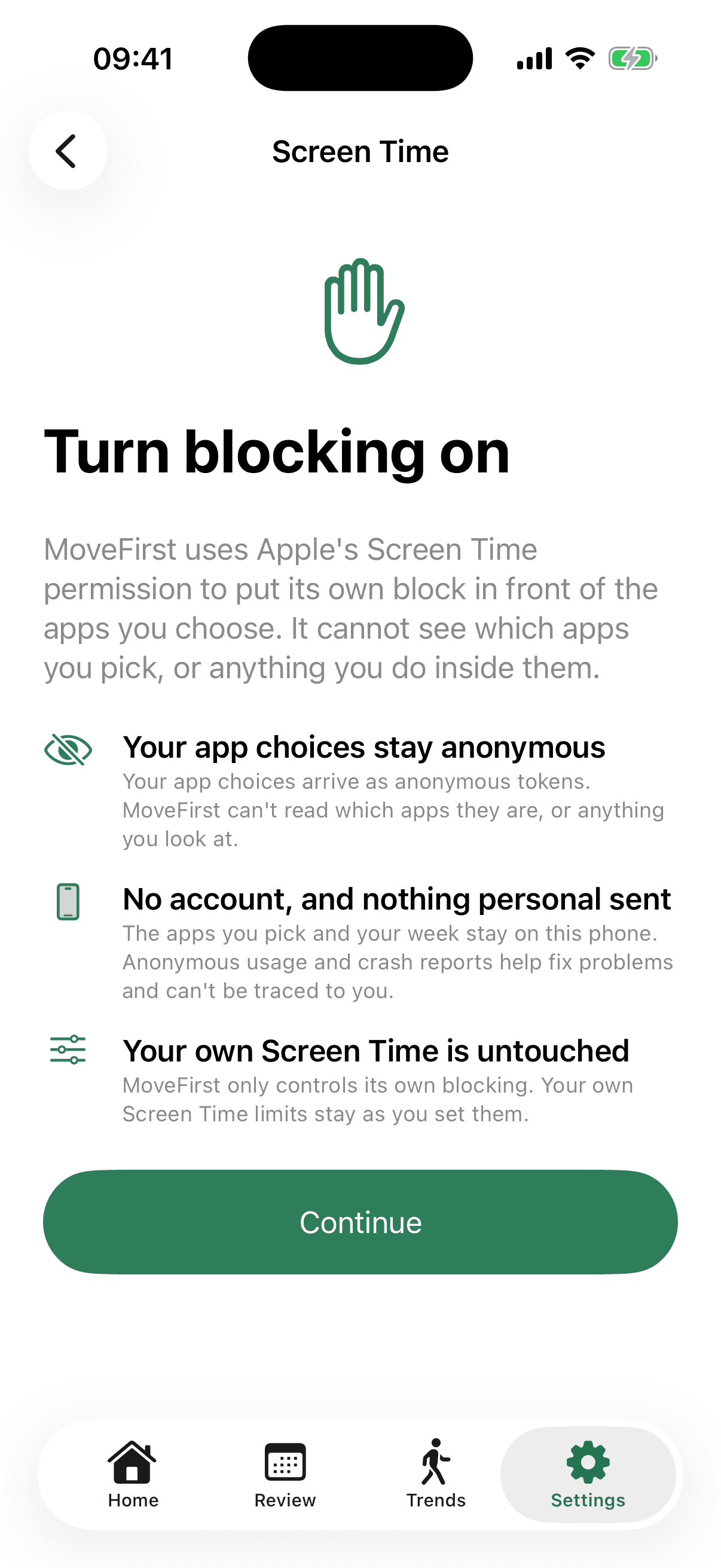
MoveFirst uses verified movement instead. A camera-counted session is processed on your phone, with video never recorded, stored, or sent; step and saved-place routes are the fixed 8,000-step target or 30 minutes at a saved place. One emergency unlock exists for the whole period, with the remaining count shown. There is no MoveFirst passcode.
The App Store link is being confirmed. See how MoveFirst works below.
Common questions
- Can Apple Support tell me my code?
- No. Apple's own instructions say plainly that without the Apple Account used for Screen Time Passcode Recovery, Apple can't provide the passcode back — support can help you reset it under the right conditions, but not reveal it.
- What if I used a different Apple Account?
- Apple says to use the same Apple Account that was linked when the Screen Time passcode was set. If the reset is rejected, verify that account first, then use Get Suggestions on Apple's support page.
- Does the four-digit code lock out Face ID?
- No. A Screen Time passcode protects selected Screen Time settings. Face ID and the device passcode are separate controls for unlocking the iPhone itself.
- Will the reset show me the old code?
- No. Apple's recovery flow lets you create a new four-digit passcode. It does not reveal the previous one.
- Is there a limit on attempts?
- Apple does not publish a fixed attempt count in the cited recovery instructions. Use the linked Apple Account recovery flow instead of relying on repeated guesses.
Sources
- If you forgot the Screen Time passcode for an iPhone or iPad
Checked 2026-08-21
- How to set a Screen Time passcode on an iPhone or iPad
Checked 2026-08-21
- Create, manage, and keep track of a Screen Time passcode on iPhone
Checked 2026-08-21
- Device management restrictions for supervised Apple devices
Checked 2026-08-21
Related guides
The App Store link is being confirmed. See how MoveFirst works below.
The App Store link is being confirmed. See how MoveFirst works below.