How to Stop Doomscrolling
The practical answer to how to stop doomscrolling is to interrupt the next open or scroll. Turn off notifications, move the app away from the first Home Screen, or put the phone out of reach. Treat each as a reversible experiment, then keep the friction that changes your own pattern.
Last updated 2026-08-21
The App Store link is being confirmed. See how MoveFirst works below.
What is doomscrolling, specifically?
Cambridge Dictionary defines it plainly: the activity of spending a lot of time looking at your phone or computer and reading bad or negative news stories. That's narrower than ordinary scrolling — the defining part isn't the time spent, it's the content. Reading recipes for an hour isn't doomscrolling. Reading disaster headlines for ten minutes past the point you meant to stop is.
Why is it worse at night?
One sourced mechanism: light suppresses melatonin, the hormone that governs your circadian rhythm, and blue light (the kind a phone screen emits) does this more strongly than other light at comparable brightness, according to Harvard Health Publishing's review of the research. That doesn't make the scrolling itself worse at night; it makes the light it's read by worse for the sleep that follows. The scrolling and the light exposure happen to arrive together, which is reason enough to treat night doomscrolling differently from the daytime kind. If late-night scrolling in bed is the specific pattern you're fighting, the related guides on late-night scrolling and scrolling in bed cover that situation in more depth.
Which six interruptions can you test, and how are they reversed?
| What stops it | What undoes it |
|---|---|
| Notifications off | Re-enabling them in Settings |
| App off the first home screen | Opening it from App Library or Search |
| Greyscale | Turning Color Filters off again |
| A timer | Extending or disabling it, if that timer allows either action |
| Leaving the phone in another room | Bringing the phone back within reach |
| Access that opens on something physical instead of a tap | The one emergency unlock built in for a genuinely bad day — its remaining count always shown, never hidden, and it's used once, not leaned on |
What do you do in the moment, not the plan?
Try a concrete interruption without claiming it works for everyone. Put the phone on a surface, name what you were about to open, stand or walk to another place, then decide whether to pick it up again. Record what you actually did. That turns the moment into an observation you can compare with the next one.
What does a movement-gated option change?
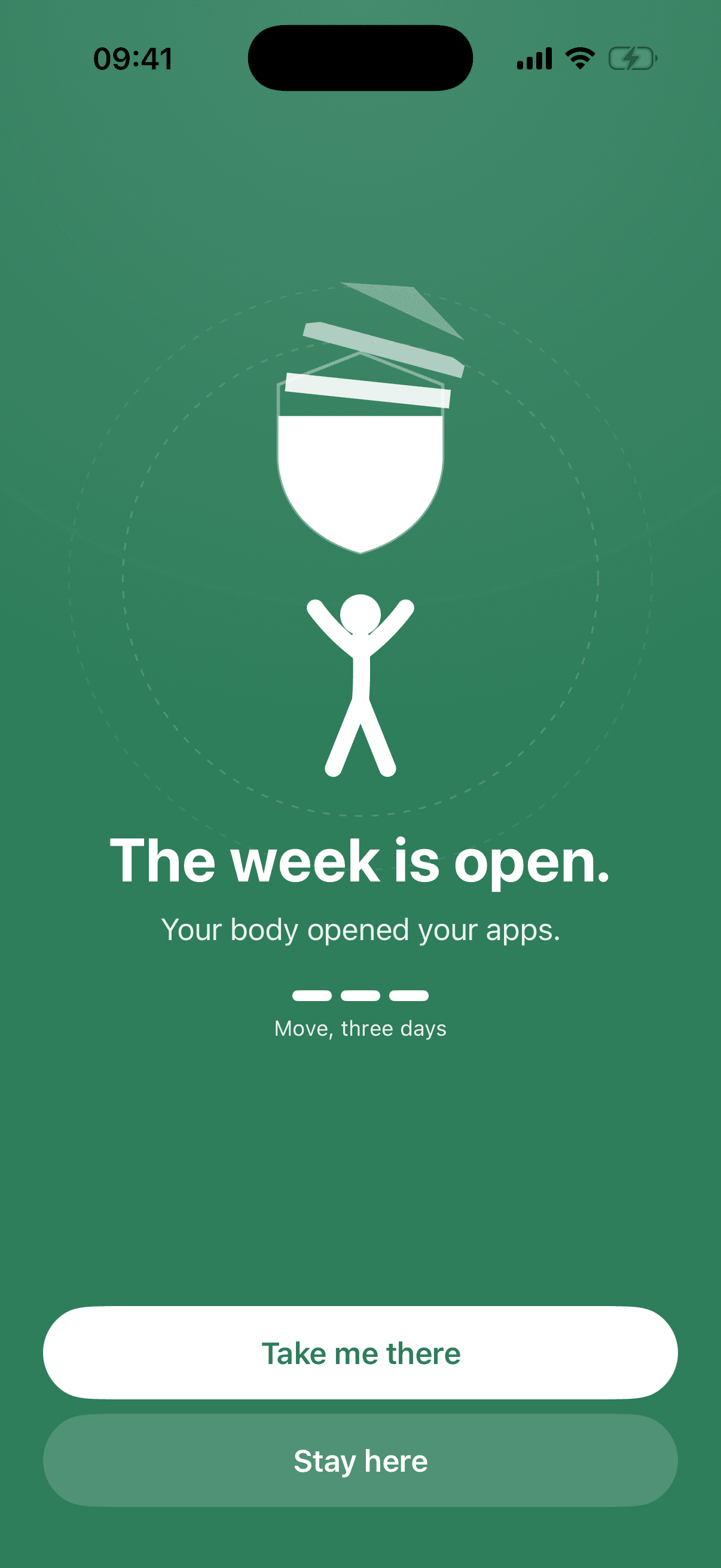
MoveFirst changes the key from a tap to verified movement. A session can be camera-counted on your phone, with video never recorded, stored, or sent; step and saved-place routes are the fixed 8,000-step target or 30 minutes at a saved place. Other opening routes remain visible: a rest day taken, the single emergency unlock with its count shown, or the fixed duration ending after 2 weeks, 30 days, or 90 days.
The App Store link is being confirmed. See how MoveFirst works below.
Common questions
- Is doomscrolling a real term?
- Yes. It has a dictionary entry — Cambridge Dictionary defines it as the activity of spending a lot of time reading bad or negative news online.
- Does greyscale actually help?
- This page makes no outcome claim for greyscale. Treat it as a reversible personal test: turn Color Filters on, observe whether your own opening pattern changes, and turn it off if it does not help.
- Should I delete the app instead?
- Deletion removes the app from the phone and adds a reinstall step. Before deleting it, note any legitimate function, saved data, sign-in detail, or communication route you still need.
- Does turning off notifications stop it on its own?
- Turning notifications off removes that route into the app, but you can still open it manually. Observe whether notifications were actually one of your triggers before treating the setting as a complete answer.
Sources
- Cambridge Dictionary: doomscrolling
Checked 2026-08-21
- Harvard Health Publishing: Blue light has a dark side
Checked 2026-08-21
- Change notification settings on iPhone
Checked 2026-08-21
- Organize the Home Screen and App Library on your iPhone
Checked 2026-08-21
- Use display and text size preferences on iPhone
Checked 2026-08-21
- Set schedules with Screen Time on iPhone
Checked 2026-08-21
Related guides
The App Store link is being confirmed. See how MoveFirst works below.
The App Store link is being confirmed. See how MoveFirst works below.