Screen Time Apps: Five Mechanisms to Compare
Screen Time apps can use a timer, an opening delay, a schedule, movement-gated access, or deletion. This guide compares those five mechanisms without claiming the list covers every app. Check what each asks you to do, what reverses it, and what you give up when the limit is a poor fit.
Last updated 2026-08-21
The App Store link is being confirmed. See how MoveFirst works below.
Which five mechanisms does this guide compare?
| Mechanism | What has to happen | What re-opens it early | What it costs you when you're wrong | Who it suits |
|---|---|---|---|---|
| Timer | The app remains available until the configured time runs out | Check whether the timer can be extended, dismissed, or disabled | The decision arrives after the time has already been used | Predictable use where a reminder at the boundary may be enough |
| Opening delay | A wait appears before the app opens | Check whether the delay can be skipped or changed | The wait repeats on each opening | Testing whether a pause changes reflexive opens |
| Schedule | The app is unavailable for hours you set in advance, then available again automatically | Check who can edit or disable the schedule | Unexpected needs can fall inside the scheduled window | Predictable blocks such as work hours or bedtime |
| Movement-gated access | MoveFirst opens the day after verified movement: camera-counted on-device with video never recorded, stored, or sent; or the fixed 8,000-step target or 30 minutes at a saved place | Its other opening routes are a rest day taken, the single emergency unlock, or the fixed duration ending | Movement must fit the day; the safety routes and end date need review before starting | Testing a key that is a verified action rather than a tap |
| Deletion | The app is removed from the phone | Reinstalling it from the App Store | The app is unavailable when you need its legitimate function | An app you have decided not to keep |
When is a timer a fit?
A timer is worth testing when use is predictable and you want a prompt after a fixed amount of time. Before relying on it, check what the interface allows when the timer ends: stop, extend, dismiss, or change the limit. That reversal path is part of the mechanism.
When is an opening delay a fit?
An opening delay is a reversible experiment for app opens that feel automatic. It inserts a pause before content appears without deciding for you. Check whether you wait through it, cancel the open, or disable the delay; your own observation determines whether that pause changes anything.
When is a schedule a fit?
A schedule matches a predictable window such as work, dinner, or bedtime. Review what happens when you need an app unexpectedly and who can edit the hours. Apple's Downtime is one example: only allowed apps and calls remain available during its scheduled window.
When is movement-gated access a fit?
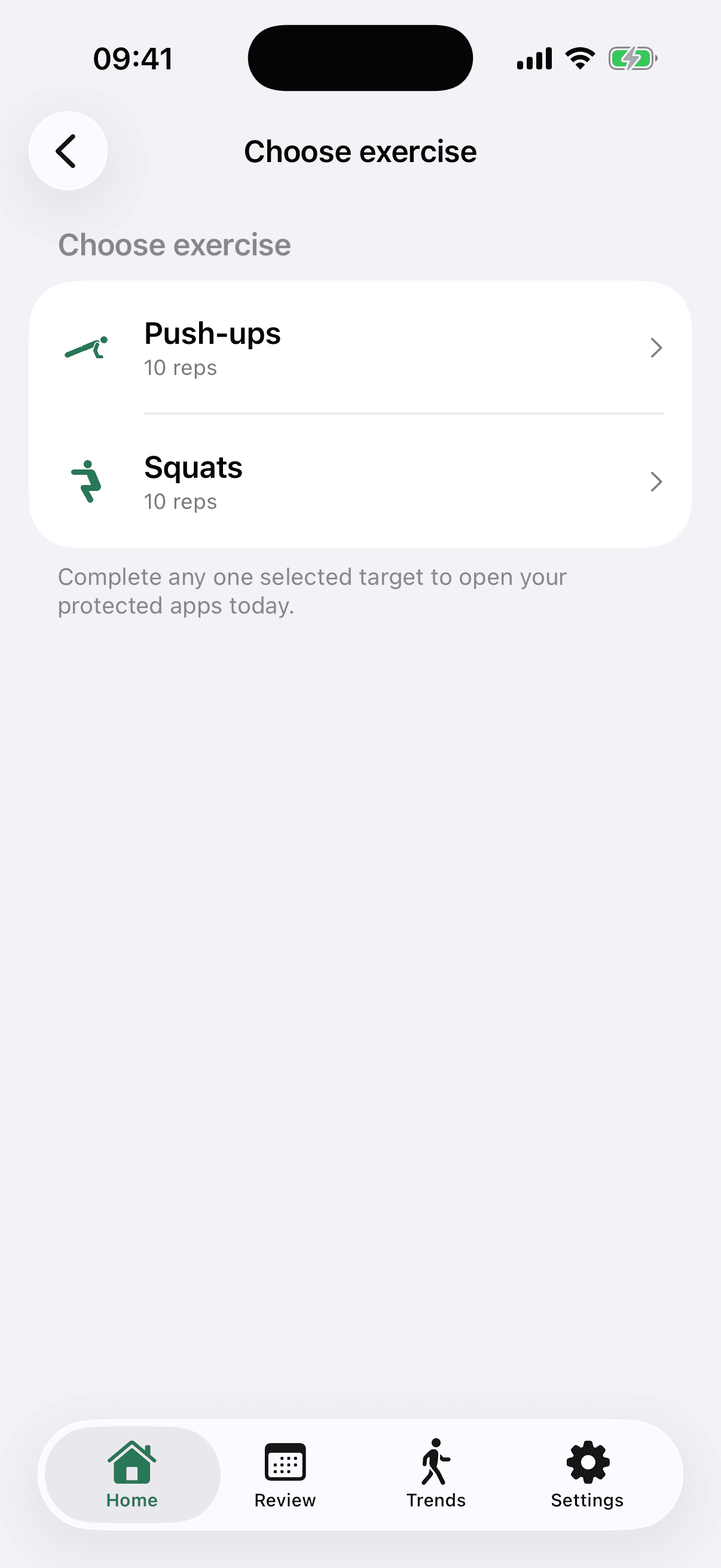
MoveFirst uses movement-gated access. The apps you choose are locked at the start of every day. A verified session can be camera-counted on your phone, with video never recorded, stored, or sent; step and saved-place routes are the fixed 8,000-step target or 30 minutes at a saved place. Other opening routes are a rest day taken, the single emergency unlock with its count shown, or the fixed duration ending. No-go hours are off by default, and durations of 2 weeks, 30 days, or 90 days never renew on their own.
When is deleting the app the right answer?
Deletion is the direct option when you have decided an app should not remain on the phone. Before deleting it, note any legitimate function, saved data, sign-in details, or communication route you still need. Reinstallation remains possible, so this is friction rather than an irreversible guarantee.
How do you choose?
Ask three questions about your own week. Is the use predictable or tied to particular moments? Do you want a reminder, a pause, a clock-based window, a verified action, or removal? Finally, who can reverse the boundary and how? The answers narrow the mechanism without promising an outcome the page cannot source.
The App Store link is being confirmed. See how MoveFirst works below.
Common questions
- Does MoveFirst need Screen Time permission?
- Yes. MoveFirst uses Apple's Family Controls and Managed Settings APIs, and requests individual Screen Time authorization before it can place its shield over apps you select.
- How does iPhone app selection stay private?
- Apple's Family Activity picker represents selected apps, categories, and web domains with opaque values. MoveFirst stores the selection and its counts, not readable app identities.
- Do they see which apps I chose?
- Apple documents FamilyActivitySelection with opaque values for selected applications, categories, and web domains. MoveFirst receives that selection and the three counts, not readable app identities.
- Do they work on Android?
- MoveFirst is an iPhone app and does not run on Android. Apple's Family Controls framework is specific to Apple platforms.
- Is a free one enough?
- Price alone does not identify the mechanism. Check what happens before the app opens, how the boundary can be reversed, which permissions it needs, and whether its safety route fits your week.
Sources
- Family Controls
Checked 2026-08-21
- FamilyActivitySelection
Checked 2026-08-21
- Set schedules with Screen Time on iPhone
Checked 2026-08-21
Related guides
The App Store link is being confirmed. See how MoveFirst works below.
The App Store link is being confirmed. See how MoveFirst works below.