The Morning Routine Question Nobody Starts With
A morning routine can begin with one explicit choice: decide when the phone becomes available. Put one short action before it, such as getting up, opening the curtains, drinking water, or moving. If you need maps, banking, or work messages, leave those apps outside any limit you set.
Last updated 2026-08-21
The App Store link is being confirmed. See how MoveFirst works below.
What actually happens in the first ten minutes?
Observe one morning before changing it. Note where the phone is when the alarm ends, which app you open first, and when you put it down. This page does not assume that everyone loses the same twenty minutes; it asks you to record your own first ten minutes before choosing a boundary.
Two related guides go deeper on adjacent pieces of this: one on morning scrolling specifically, for when the first-ten-minutes problem is the scrolling itself, and another on building a morning movement routine, for the exercise side of the sequence below.
How can you decide what comes before the phone?
Choose one action that can happen before the first discretionary app opens, then make it specific enough to observe. Examples include standing up, opening the curtains, drinking water, or walking to another room. The point is not that one action controls the day; it gives you a clear order to test.
What order can you test?
One workable sequence, not the correct one.
The specific minutes matter less than the order — the phone moves from first to fourth.
| Time | What to do |
|---|---|
| 0–2 minutes | Get up and open the curtains or step outside |
| 2–5 minutes | Drink water if that is part of the sequence you chose |
| 5–10 minutes | Stretch, walk briefly, or use another movement you selected |
| 10 minutes on | The phone, for whatever you actually need it for |
What if you need the phone in the morning?
Alarms, maps, banking, and work messages can require early access. MoveFirst only locks the apps you choose, and setup asks you to leave banking, maps, and Wallet outside that selection. The app stores Apple's opaque selection rather than readable app identities, so you must choose those exclusions yourself.
How do you make the first decision stick?
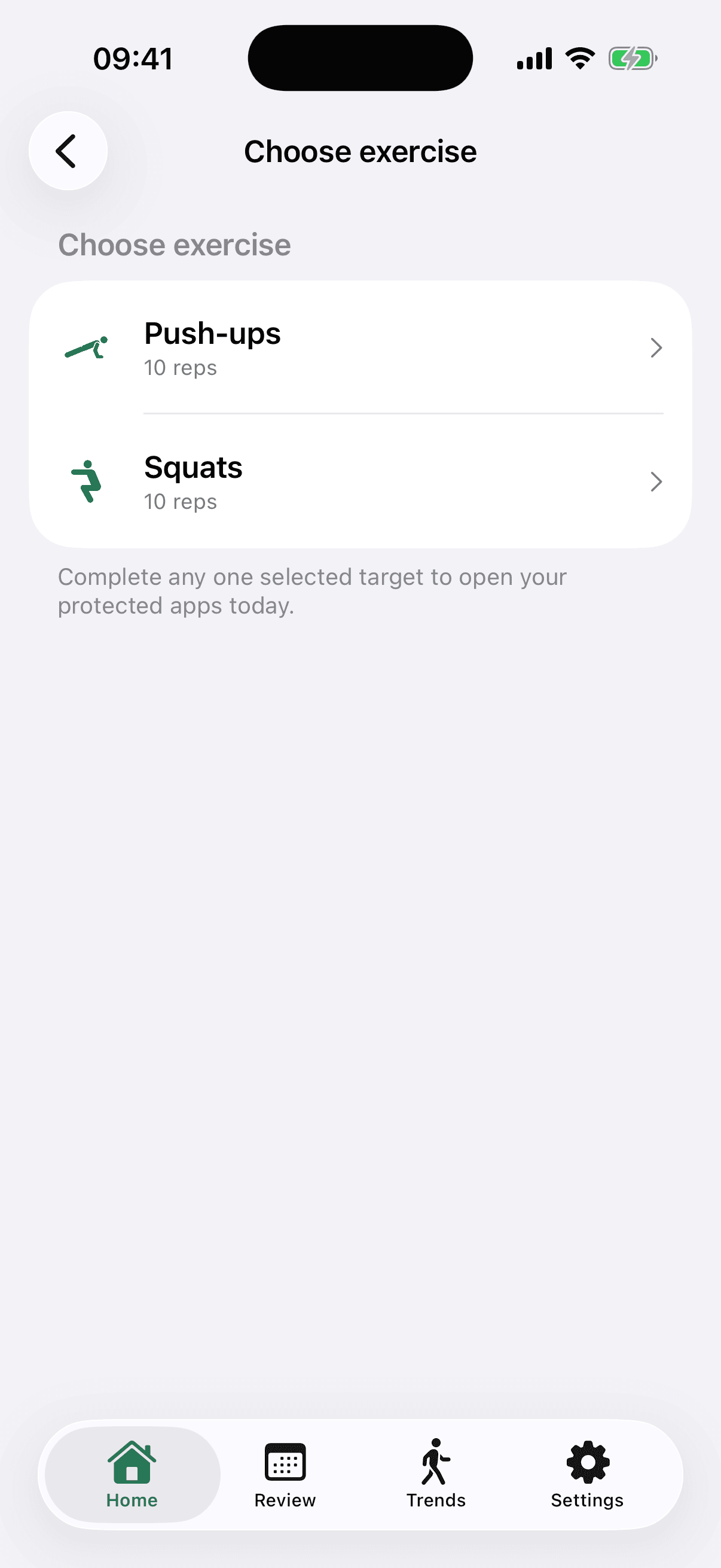
MoveFirst can make verified movement the key for the apps you select. A session is camera-counted on your phone, with video never recorded, stored, or sent; step and saved-place routes are the fixed 8,000-step target or 30 minutes at a saved place. A rest day taken, the single emergency unlock, or the fixed duration ending are separate opening routes.
Without an app, you can charge the phone in another room so the first discretionary open requires walking to it. That is a different source of friction, and it remains easy to test or reverse. Choose it only if alarms, accessibility, care, or emergency needs remain covered.
The App Store link is being confirmed. See how MoveFirst works below.
Common questions
- How long should a morning routine be?
- There is no universal length in this guide. Start with one observable action before the first discretionary app, then adjust the sequence from what actually happens during your week.
- Does it have to include exercise?
- No. Movement is one option. You can instead choose another concrete action before the phone, or change where the phone charges, while keeping essential apps and emergency access available.
- What if I work nights?
- Apply the sequence to the first waking period after your main sleep, whatever the clock says. Keep work, care, and transport needs outside any app limit you set.
- Is checking the phone first really that bad?
- This guide does not label it bad. Record what you open, how long you stay, and whether it displaced something you intended to do; then decide whether a change is useful.
- What is the smallest version that still counts?
- One observable action before the first discretionary app: stand up, open the curtains, drink water, or walk to another room. Pick one rather than claiming a long sequence is necessary.
Sources
- FamilyActivityPicker
Checked 2026-08-21
- FamilyActivitySelection
Checked 2026-08-21
Related guides
The App Store link is being confirmed. See how MoveFirst works below.
The App Store link is being confirmed. See how MoveFirst works below.